It finds the businesses
A trade and a place is the whole brief. It searches, reads each company’s site, and builds the list with the page every address came from.
AI sales agent
Say what kind of business you want as a customer and where. It looks them up, reads each company’s own website for the address they publish, writes a personal email to every one, and waits for your yes. You approve; it does the rest — the sending, the follow-ups, the replies.
No card to start. It sends from your Gmail or your own domain — never ours — and nothing goes out until you say so.
How it works
This is the whole product, in the order you meet it. No list to buy, no spreadsheet to build, no sequence builder to learn.
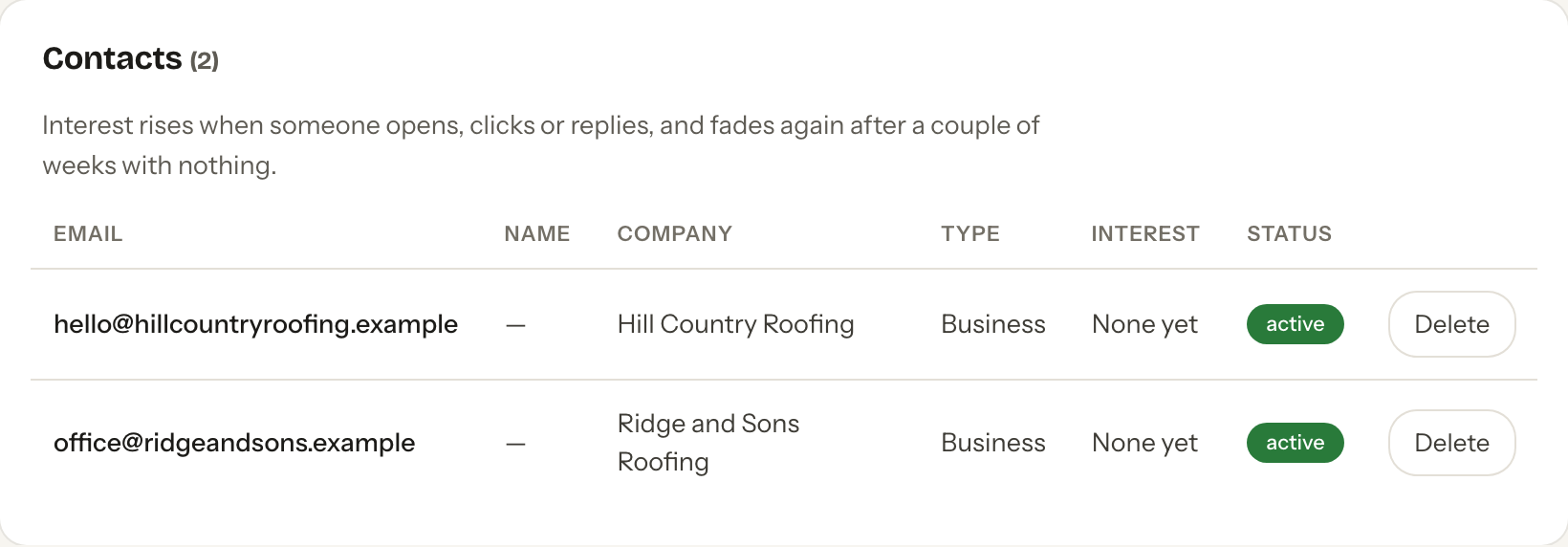
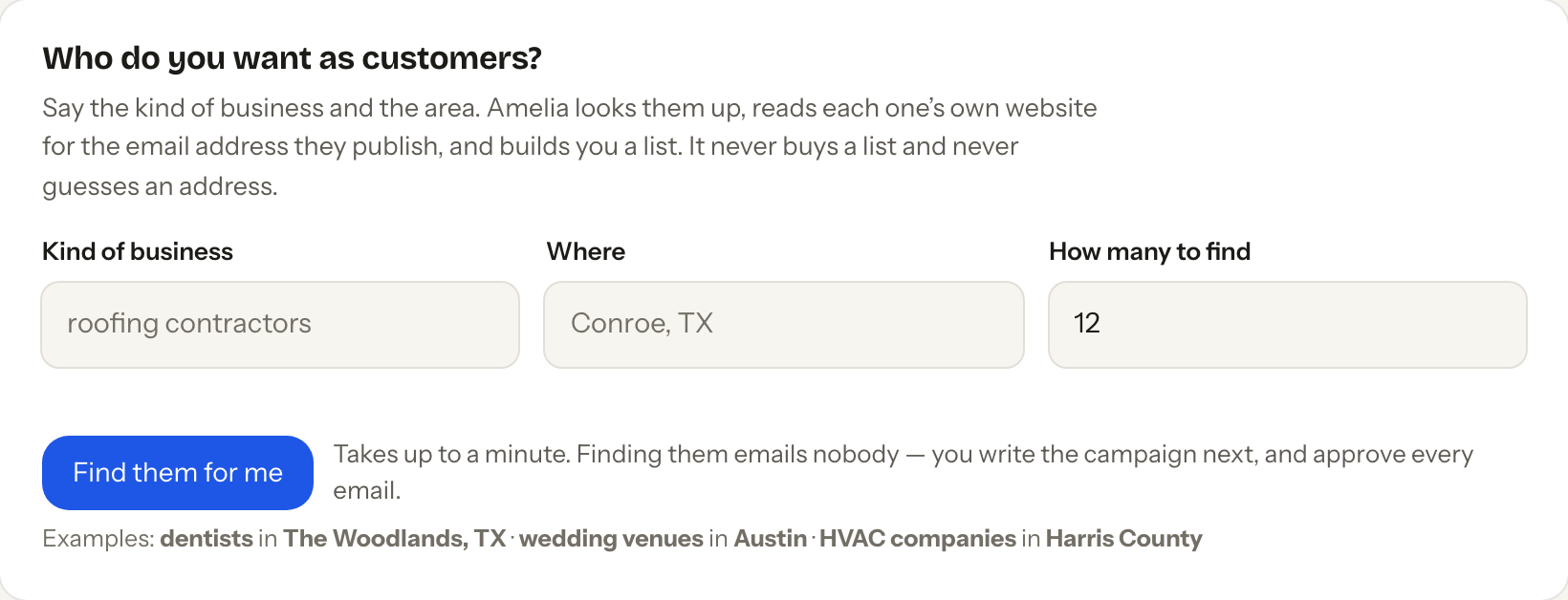
“Roofing contractors, Conroe TX.” It searches the map and takes only the address each business publishes itself — on its own website, or on its own listing. A business that publishes none is named and left out — never guessed at, never bought from a list broker.
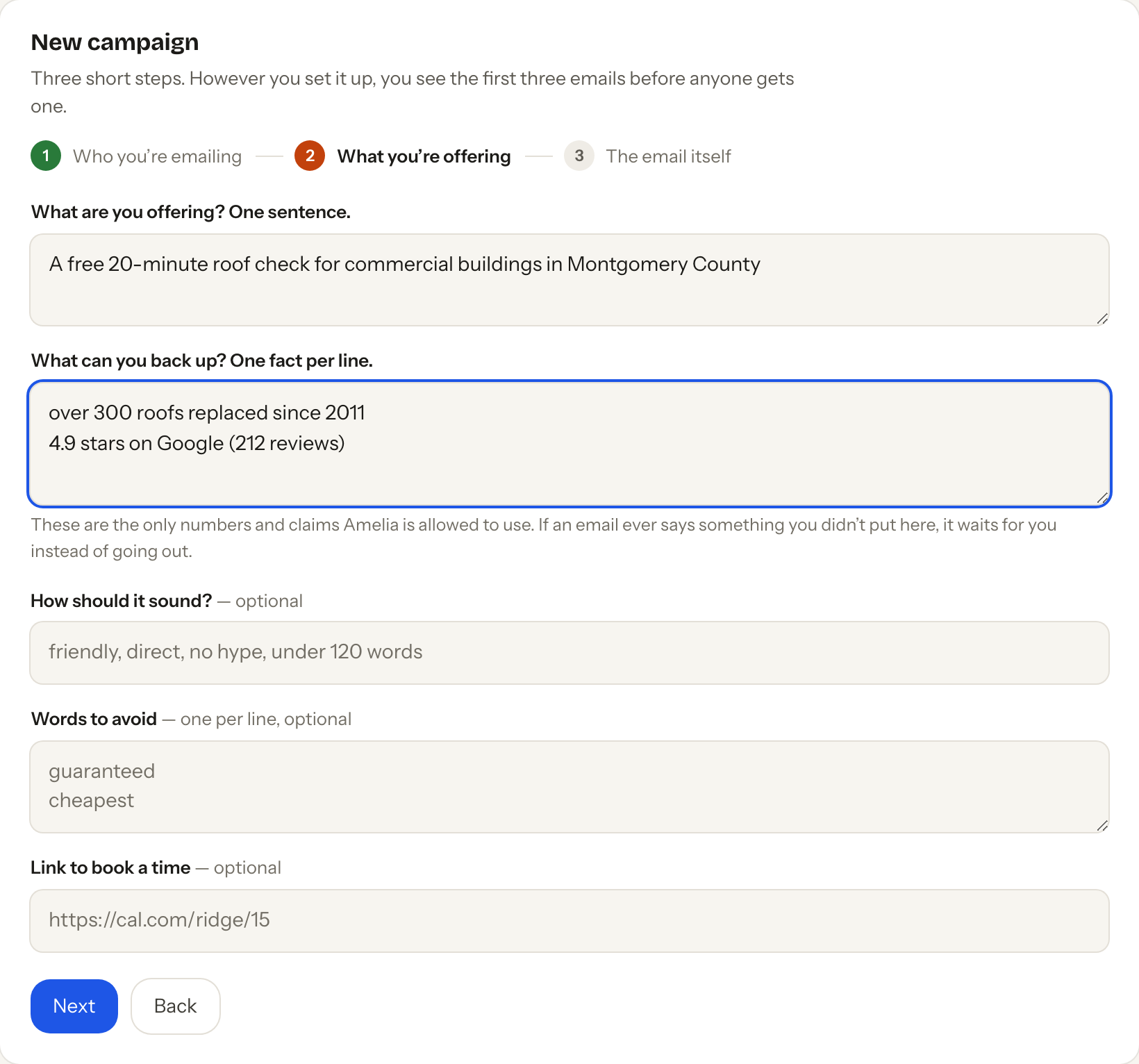
Your offer in a sentence, and the facts you can back up. Those are the only numbers it is allowed to use — an email that states anything else waits for you instead of going out.
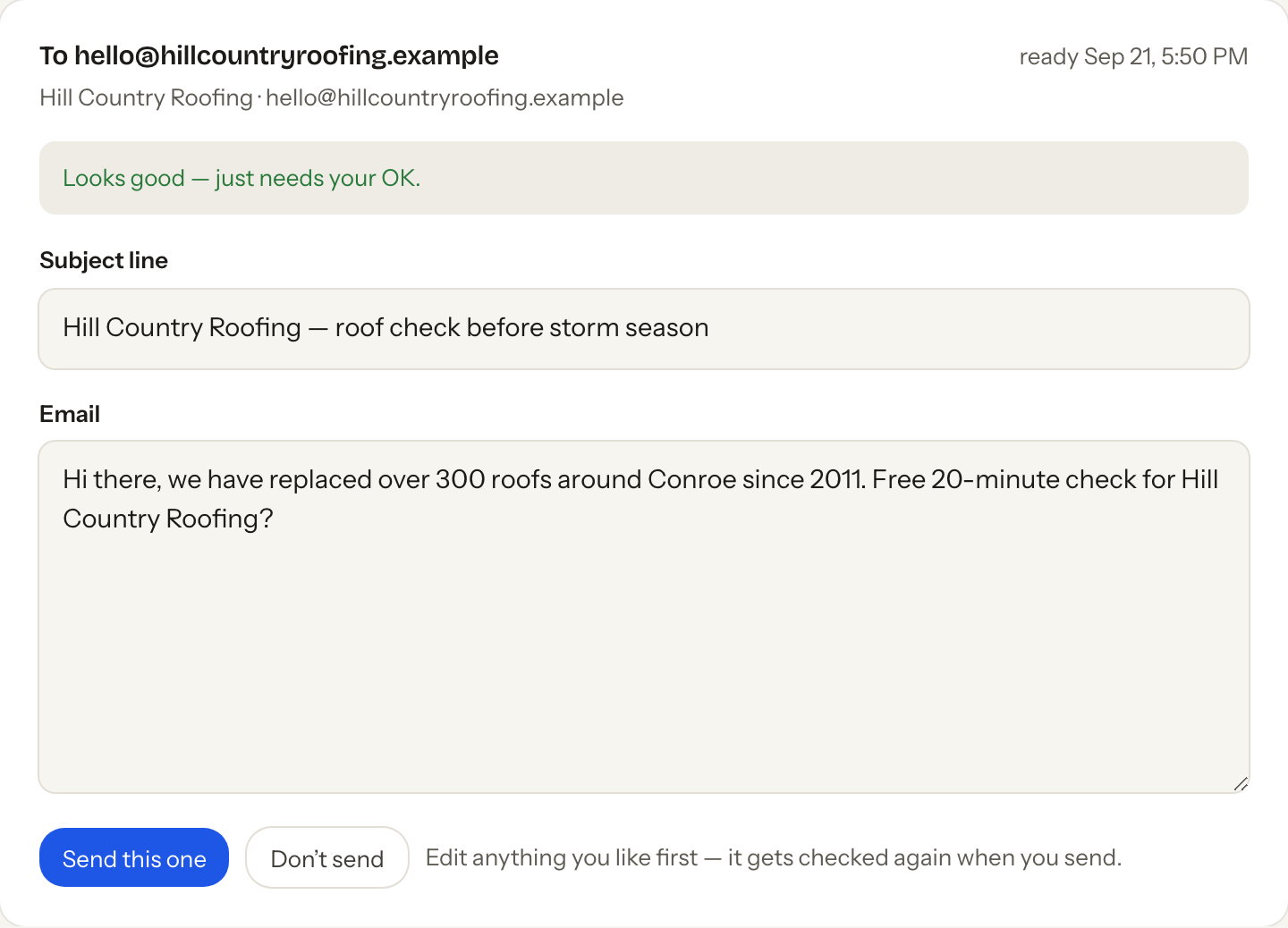
Every email is written for that one business. Read it, change it, send it — or bin it. The first three of any campaign always wait for you.
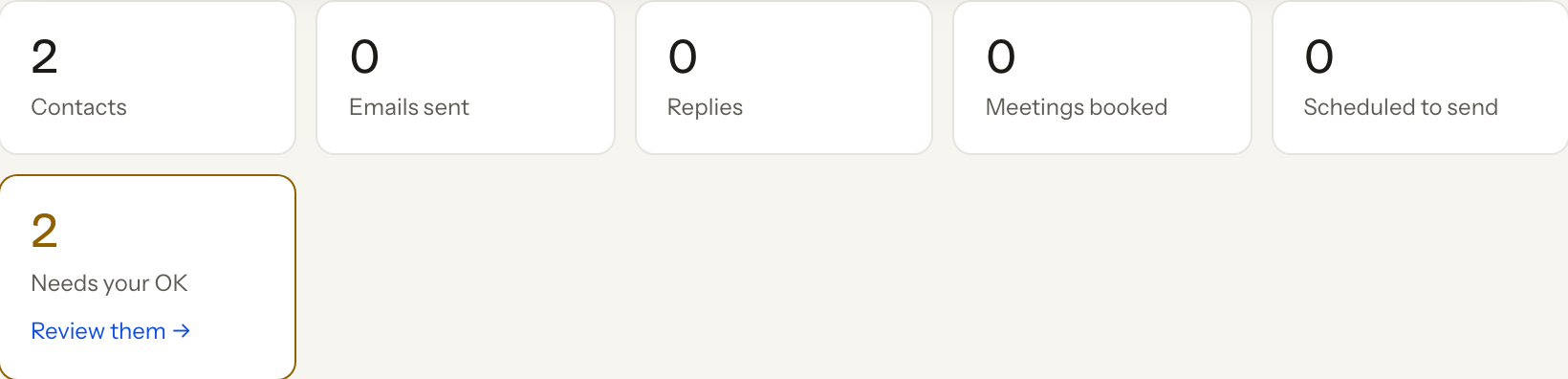
Replies land in the same screen. Anyone who writes back stops getting follow-ups that second; anyone who asks to be left alone never hears from you again.
Where the leads come from
Name a trade and a town — dentists in The Woodlands, wedding venues in Austin, HVAC companies in Harris County — and it searches the map, then reads each business’s own site for the address they chose to publish — keeping a listing’s address only when it is at that business’s own domain. Every field it keeps remembers which page it came from and the day it was read.
No purchased database of 700 million strangers. No firstname@company.com guessing. If a business does not publish an address, it says so and moves on.
What you get
A trade and a place is the whole brief. It searches, reads each company’s site, and builds the list with the page every address came from.
Not a template with a name dropped in: a fresh email for that business, in your words, using only the facts you gave it.
The first three emails of every campaign always wait for you, and you can keep it that way for all of them. Approve from your laptop or your phone.
Your Gmail, or your own domain with the DNS records added for you if it is on Cloudflare. Replies come to you; the reputation you build is yours.
Five a day, then ten, then twenty over two weeks, only inside your working hours, under a daily cap you set. That is how a new address stays out of spam.
Interested, out of office, not right now, or leave me alone — sorted the moment they arrive. A reply stops the follow-ups; “stop” is honoured before any model reads a word.
Your postal address and a working unsubscribe link on every email, business addresses only, and a do-not-contact list that survives deleting the contact.
It hosts your site, so your prices, your reviews and your brand are what it writes from — and it can build the landing page a prospect arrives on.
Put your booking link on the campaign, mark a conversation booked, and see it turn into money through the Stripe, Square or Shopify you already connected.
Why you can leave it running
Every email is checked twice — when it is written, and again in the second before it leaves. Not on the do-not-contact list. A verified sender with a real postal address. A working unsubscribe link. No claim you did not give it. A business address, in a country whose rules are written down.
And the last line of defence is not code that could have a bug in it: the database itself refuses to mark an email “sent” without a pass and an unsubscribe address on the row.
What it costs
Outbound tools charge a subscription for the privilege of sending, then sell you credits on top. Here the sales agent is included from the Pro plan — $12 a month, the same plan that builds and hosts your site — and an email costs what the email costs, listed on your ledger in cents.
Find businesses, write the campaign, read the first drafts. No card.
Pro: the sales agent, the site it built, the apps, the models. See the plans.
Billed at what it costs plus your plan’s markup, with a spending limit you set and nothing can pass.
Comparing it with GTM specifically? Here is the side-by-side, priced from their own published page.
What it will not do
It does not automate LinkedIn, and it will not — there is no way to do that inside LinkedIn’s own rules, and the tools that offer it say so in their terms. It does not send text messages yet; that needs your own registered number first. It writes under US rules today, and refuses a contact elsewhere with the reason rather than sending anyway. And it will not email a personal address — a company’s published inbox, not somebody’s private one.
Two minutes from here to a list of real businesses, with a first email waiting for your yes.
Questions
No. Say the kind of business and the area, and it goes and finds them, taking only the email address each company publishes on its own website. If you already have a spreadsheet you can upload that instead.
A map search for the trade and town, then each business's own site. Every field it stores remembers the page it came from and the day it was read. Nothing is bought, and an address is never guessed from a domain name.
Not unless you decide it should, and even then the first three emails of a campaign wait for you. Anything it is unsure about is held with the reason written above it.
Yours: your Gmail, or an address at a domain you own. It will add the DNS records for you if the domain is on Cloudflare. Replies come straight back to you.
The follow-ups for that person stop immediately, and the reply is sorted. Anyone who asks to be left alone goes on a do-not-contact list that survives deleting the contact.
It is included from the $12-a-month Pro plan, and each email is billed at cost plus your plan's markup, under a spending limit you set. Free to try before any of that.