Pick Claude Code if…
You are comfortable in a terminal, you delegate in briefs, and you want one agent taking a task from plan to diff across the whole repository.
Two good tools, honestly scored
Both are excellent and they are not the same shape. One is an agent you brief; the other is an editor you drive. Which one fits is mostly a fact about you, not about them.
Both columns dated and sourced from their own pricing pages.
Claude Code: an agent in your terminal — brief it, it plans and executes across the repo. Cursor: an AI editor — you write, it accelerates every keystroke. Both priced below from their own pages. And if you want the OUTCOME without either workflow, that is a different product — also below.
Side by side
| Question | Claude Code | Cursor |
|---|---|---|
| Shape | Agent in a terminal (CLI) | AI code editor (app) |
| You mostly… | Brief it, review its work | Write, with AI accelerating you |
| Entry price | Claude Pro $17/mo billed annually, includes Claude Code | Free with limits; Pro $20/mo |
| Heavier use | Max from $100/mo | Pro+ / Ultra tiers; Teams $40/user/mo |
| Model | Claude | Multiple frontier models |
| Best at | Multi-step tasks across a repo | Fast, controlled inline editing |
Both columns are read from each company's own pages on the date above — Claude’s pricing and Cursor’s pricing — not characterised. Check them; that is the point of citing them.
How to actually choose
You are comfortable in a terminal, you delegate in briefs, and you want one agent taking a task from plan to diff across the whole repository.
You think with your hands on the code, you want to see and steer every edit, and an editor is already where you live.
Cursor for the daily inline work, Claude Code for the big delegated tasks. They share a repo happily; this is not a marriage.
The question behind the question
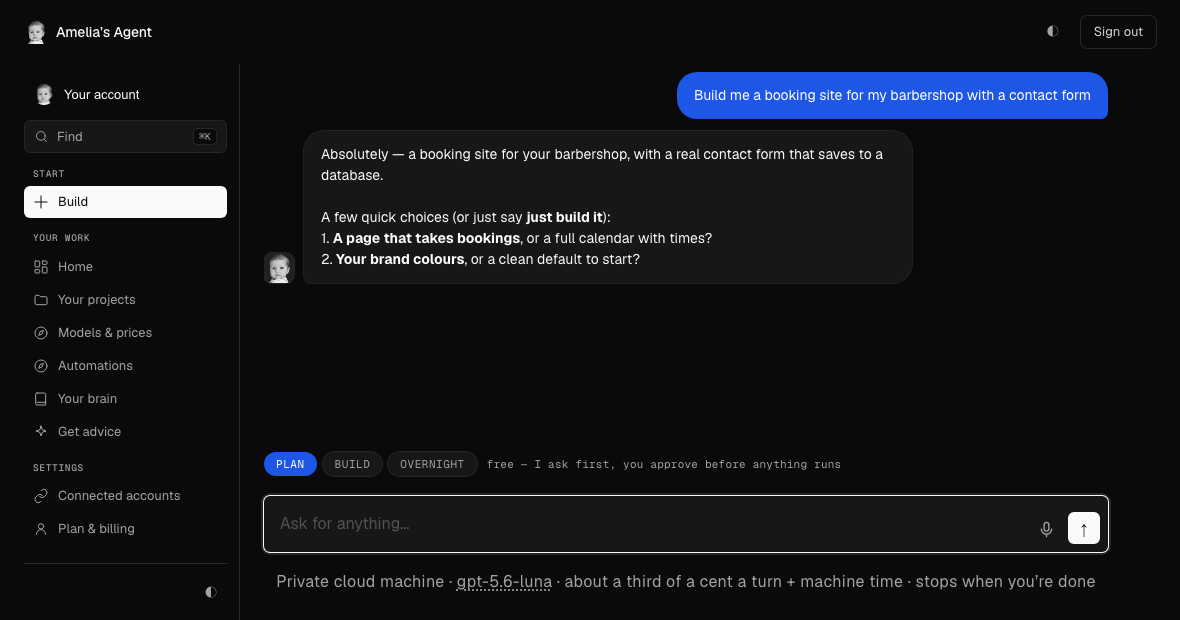
Both tools assume the thing you want is a better way to work on code. If the thing you want is actually the finished website or app — built, online, owned — you do not need a workflow, you need an agent with its own machine: describe it in a sentence, watch it build, publish in one click, keep the git repo. That is what Amelia’s Agent is, it uses models like Claude under the hood, and each turn is priced before it runs. Developers who want the honest head-to-head with Claude Code specifically: it is here.
 The outcome, without the workflow
A local business site, built and priced — no editor, no terminal.
“Build a one-page site for Ridgeline Tree Care, a tree trimming and removal company in Austin, Texas. People should see what we do, why to pick us, and how to get hold of us.”
2 turns173s
$0.0150
See all 53 builds →
The outcome, without the workflow
A local business site, built and priced — no editor, no terminal.
“Build a one-page site for Ridgeline Tree Care, a tree trimming and removal company in Austin, Texas. People should see what we do, why to pick us, and how to get hold of us.”
2 turns173s
$0.0150
See all 53 builds →
Describe it — the estimate shows before you sign in, and there is no card to start.
Questions
If you live in a terminal and want an agent that plans and executes across your repo, Claude Code. If you want AI woven into an editor you drive line by line, Cursor. Teams commonly run both.
As published on their own pricing pages (read 2026-08-31): Claude's Pro plan, which includes Claude Code, is $17 a month billed annually with Max plans from $100 for heavier limits; Cursor is free with limits, $20 a month for Pro, and $40 per user for Teams.
If what you actually want is the finished website or app rather than a coding workflow, an agent with its own machine — one that builds, hosts and prices each step — replaces the workflow entirely. That is what Amelia's Agent is.